The Rise Of Ai Anime Art Generators: Top 5 Options To Explore
Visualize an anime character with swaying hair in the wind, eyes glowing with emotions, and every detail tailored exactly how you imagined. This dream is now absolute with the rise of anime AI art generators in 2025. To have a digital artist of your own, uncover the list of the top 5 generators discussed in the following article. We’ll walk through pro tips like how to balance features and pick the perfect styles.
Part 1. Why Should You Use AI for Anime Art Creation?
Part 2. Top 5 Anime Art Generators You Need to Try
Part 3. Beginner’s Journey: Step-by-Step Guide to Success
Part 4. Transform Your Cover Art: Expert Tips to Consider
Conclusion
Part 1. Why Should You Use AI for Anime Art Creation?
The AI anime art generators are the ultimate shortcut for anime creation, and here’s why you should jump in:
- No Design Skills Needed: These generators are for beginners, specifically because all they require is a text prompt for anime character building.
- Faster Than Traditional Methods: The anime generators have lightning-fast speed and deliver quick results that used to take hours and even days.
- Customizable and Flexible: With such generators, you can modify nearly every aspect of your character, experimenting with endless combinations for the envisioned outcome.
- Inspiration on Demand: You can generate multiple versions of a character with different outfits and expressions to explore new ideas and get inspired.
Part 2. Top 5 Anime Art Generators You Need to Try
The magic of anime art – AI art generators lies in typing a few words, and the following list of top generators can justify this better:
1. Spellai
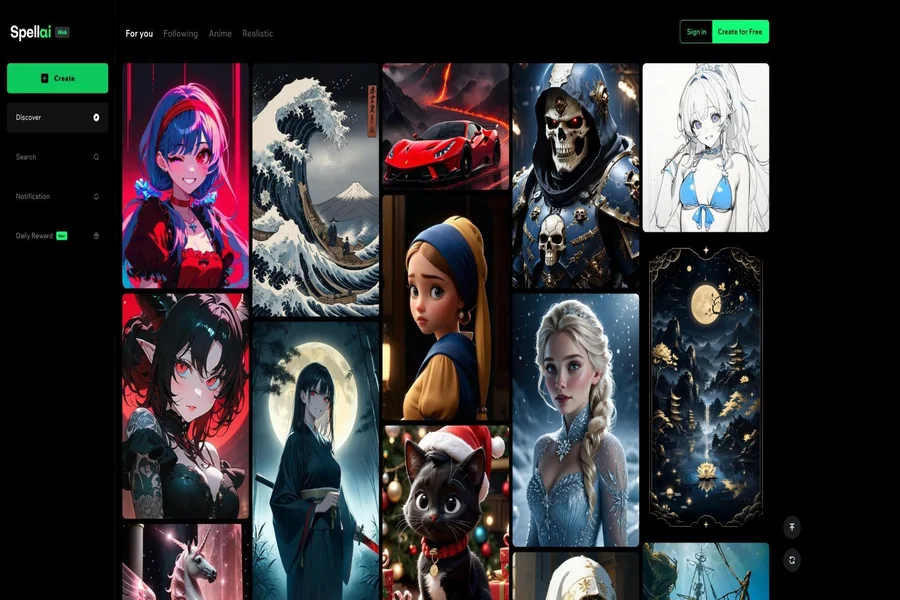
For precise outcomes, this AI art anime generator serves users with 3 different modes, namely, “General, Genius, and Professional”. Its “Genius Model” offers numerous options to consider for anime styles, such as Comic Book or Anime Oil. The advanced settings include a “Negative Prompt” section to input things that you want to avoid. Besides this, users can view the history of their previously generated AI anime characters.
The reference image portion allows you to upload a photo to generate a relatable anime character. This section further provides options to add more details in your reference through Depth, Canny, and Lineart possibilities. With the “Canvas Ratio,” choose dimensions as per your platform’s requirements.
Key Features
- Its Face ID function allows you to add your face image to create your anime art.
- You can choose the number of results to be generated from 4 to 16.
- After the image creation, use tools like “Face Swap” to make further edits.
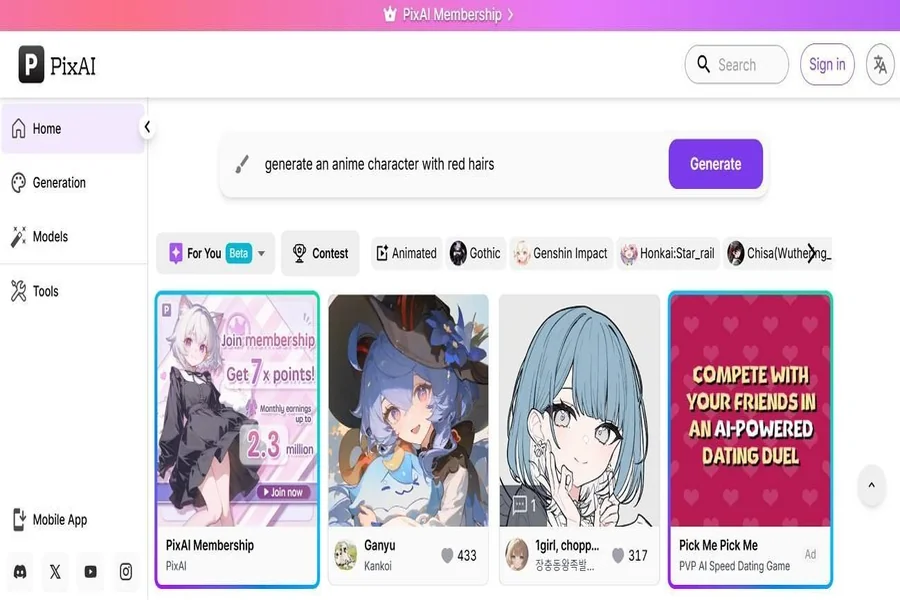
2. PixAI
combines creativity with ease because of its “Add Character Image” function. Besides description, you can adjust the aspect ratio according to your required dimensions. After generating, it allows creators to enhance their images through the “Enhance Image” and “Paint” options.
Key Features
- The platform has an “Add Booster” feature for instant face and quality lifting.
- You can turn on a Prompt Helper to accept guidance for the text description.
- Apart from images, it provides an “Image to Video” option for anime video creation.
3. NovelAI
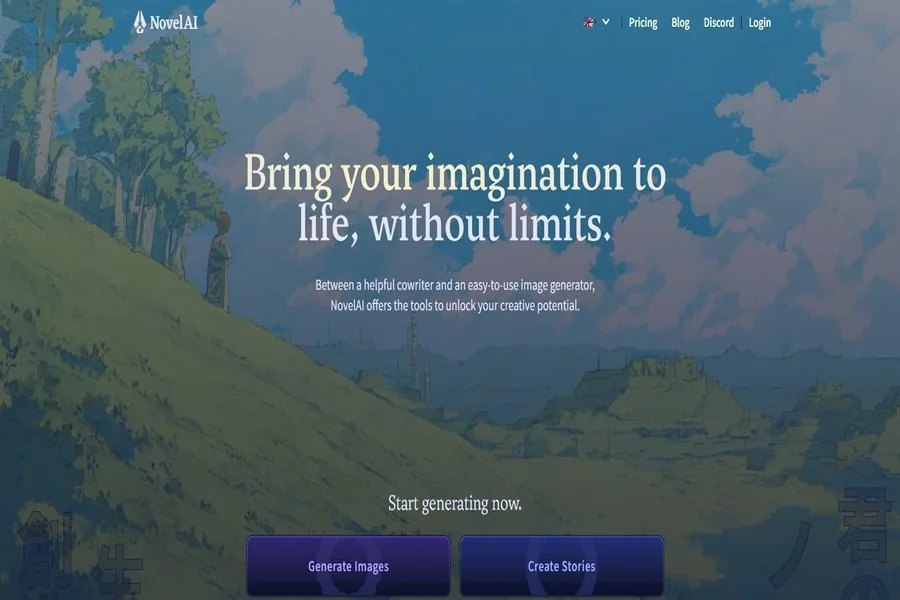
Another anime art AI generator that provides you with a writing assistant to bring more clarity to your descriptions. Not only this, but it also has a “Random Prompt” function that delivers realistic results for random keywords. Creators can go for the “Image2Image” feature and change the details while following the original composition.
Key Features
- Users can enhance their creations to increase the level of detail in the image.
- It offers a function to customize your workspace with colors and fonts accordingly.
- The editor has flexibility with shortcuts, screen readers, and options for vision impairment.
4. Pixnova
Pixanova generates anime art AI with a description and an option to “Optimize Prompt” for improved results. Apart from anime, it allows you to create 3D animations that can be downloaded directly to your device. With a massive range of anime styles, you can choose one that meets your requirements.
Key Features
- This anime generator stores your creations for a day in its “History” section.
- It allows you to regenerate an image if not satisfied with the previous results.
- Before generation, you can set the aspect ratio according to your platform preference.
5. Getimg
With this AI art anime, designers can choose their model with options including FLUX.1Kontext (pro) and FLUX.1.1 (ultra). Apart from this, it provides a “Use Sample Prompt” feature to copy a prompt and create a character accordingly. The added reference image can be further improved to make AI clearer what to build.
Key Features
- You can specify the number of results to be generated for anime creation.
- The Pro SD version provides more advanced models like Aimagine XL v3.1.
- Its “Negative Prompt” capability allows you to mention things to be excluded.
Part 3. Beginner’s Journey: Step-by-Step Guide to Success
Start your anime art venture by following the given expert guide for a professional anime AI art generator, Spellai:
Step 1. Opt for Genius Mode and Pick a Filter
At first, access the platform and settle on “Genius Mode” from the drop-down menu at the top. Now, press the “+” icon for “Easy Models” to choose an “Anime” filter from the options.
After this, press the “Reference” button to add your reference image and type a prompt in the given “Text Prompt” section. Set the “Canvas Ratio” and specify the number of outputs to hit the “Create” button later.
Step 3. Utilize the Advanced Tools and Export for Results
Once the creation is completed, access the “Advanced Tools” for “Edit Prompt” and “In Paint” options from the top toolbar.
Part 4. Transform Your Cover Art: Expert Tips to Consider
For an unforgettable masterpiece, consider the given tips when using an AI art generator anime for your visuals:
- When you want clean, consistent results, begin with a user-friendly or easy model.
- Make use of specific Anime styles, including Ghibli and Shonen, to elevate your emotions.
- Type appropriate prompts that should guide the AI to be creative and precise for anime generation.
- A quick touch-up can make your pictures look even more sharpened and fix small distortion or tweak colors.
Conclusion
In summary, the anime AI art generators have opened up a whole new era for creators where imagination meets accuracy. From the top generators discussed above, consider using Spellai to create more realistic results!
We should mention the Anime style, as it is relevant to the topic.
Avoid using the word “free” when referring to third-party tools.
For this topic, we can recommend users use Anime-relevant, easy-to-use models like Emotion, Pose, and similar options.