Tools That Make Trackable QR Codes Work for Businesses
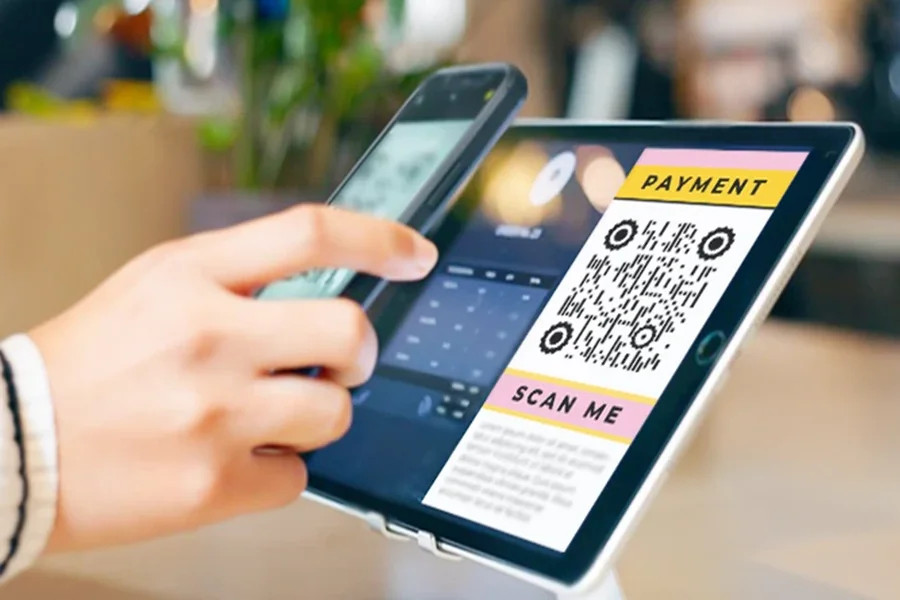
Companies are experimenting with new ways to connect printed materials to digital systems. One of the simplest is a trackable QR code — these scannable labels turn static documents, posters, or packages into live links that can show when and where someone interacts with them. Instead of hoping flyers get noticed, businesses can use a QR code generator to see exactly which locations or campaigns are working.
Why Businesses Want Trackable Codes
Traditional marketing channels give impressions and clicks, but physical materials rarely tell you who engaged with them. By printing QR codes on posters, packaging, or handouts, teams can see actual scan counts, where they occurred, and even the types of devices people used. A QR code maker with reporting tools provides this insight without requiring new hardware or complex tracking systems.
Some companies simply need a free QR code generator to link to a single page, but once they want to see performance data, they shift to tools that can record scan activity. That’s where specialized platforms come in.
Platforms That Bring Tracking to QR Codes
Once teams see how scan data can shape campaigns, the search usually shifts from simple code makers to platforms that record engagement. A trackable QR code doesn’t just open a link — it leaves behind useful clues about when, where, and how it was scanned. The tools below are often chosen by businesses that want to connect their printed materials to clear performance reports.
ME-QR
ME-QR is an international platform for generating, managing, and analyzing QR codes. It allows users to make dynamic QR codes where the destination can be changed later without printing new labels. Built-in analytics show scan time, location, and device type so teams can compare performance across regions.
The platform operates worldwide and offers its interface in 28 languages, has seen over 20 million codes created, more than 300 million scans, and has more than 500,000 active users. It supports mass creation, API integrations, and branding features like logos, colors, and custom domains, all managed through a clean and simple dashboard.
QRStuff
QRStuff is often used by teams that need to attach different types of data to their QR codes without complex setup. It can link contact cards, calendar invites, Wi-Fi credentials, plain text, and even geolocation data. Campaign managers appreciate how it organizes these varied formats in one workspace.
While its analytics focus mainly on showing scan counts, this simple metric can still reveal which materials are drawing the most attention during a promotion or event. For smaller projects or pilot campaigns, this straightforward approach helps teams track engagement without extra tools.
Bitly
Known primarily for link shortening, Bitly also lets companies generate QR code tags linked directly to those shortened URLs. This connection merges link-click data and scan data in one dashboard, giving marketing teams a fuller picture of how people reach their content.
They can see not just that a code was scanned, but whether that scan led to further clicks or actions. Because Bitly already fits into many analytics stacks, adding QR functionality often makes sense for teams who want to build tracking into their existing workflows without switching platforms.
QR.io
QR.io focuses on letting users update their content even after printing. It’s commonly used when physical materials might stay in circulation for months or years. Key features include:
- editable destinations — teams can change the linked PDF, form, or video at any time;
- basic performance dashboards — scan counts and time-based trends show which assets get the most attention;
- media support — suitable for visual-heavy campaigns, like product showcases or event promos.
This setup makes it practical for long-term campaigns, where refreshing the content matters more than creating new codes.
QR Planet
QR Planet is often chosen when companies want to connect QR codes to mobile-friendly landing pages that host multiple links. These “mini hubs” can guide users to different resources from a single scan — product pages, surveys, or social channels, for example. The platform’s engagement reports go beyond basic counts by showing how many scans convert into clicks on those individual links. Marketers use this data to see which calls to action work best, then adjust the layout of their pages to improve results over time.
Turning Printed Media Into Measurable Data
Trackable QR systems are quietly changing how printed media fits inside digital marketing. A QR code generator online can give a real-time picture of which storefront posters are drawing attention or which product packages push customers to sign up. Instead of guessing, marketers can use a QR code creator to test and refine their outreach based on actual scans.
They’re also useful inside organizations. IT teams tag hardware with a QR generator free label to watch usage over time, and HR departments send onboarding guides with a QR code maker free tag on welcome kits. This shows how the QRcode generator has become part of everyday business tools. By mixing physical access points with live data, companies get a clearer view of how their materials perform—and the platforms above make it possible without adding friction.