Give Your Shots A Stylish Look: Make Photos Black-and-white In 1 Click
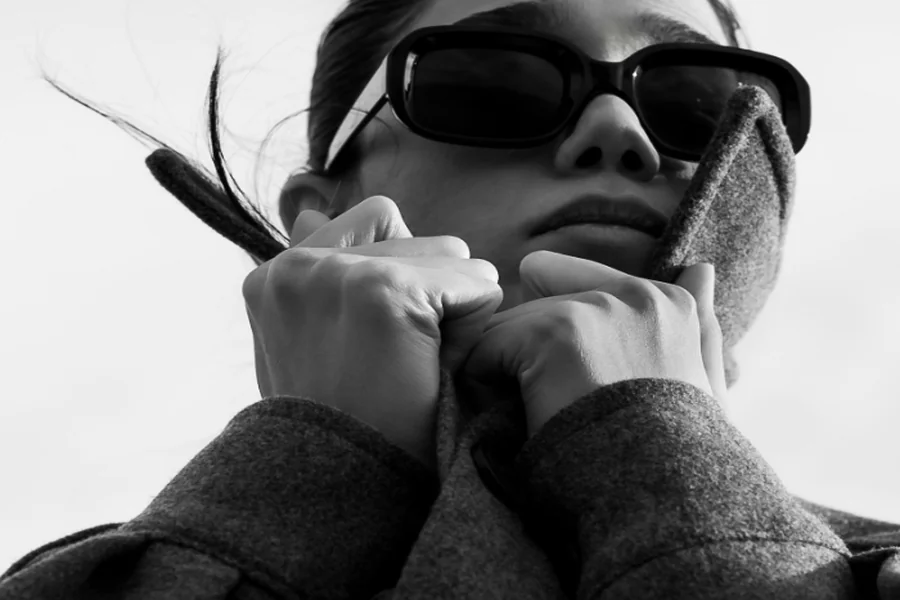
Social media can feel a little… chaotic—there’s way too much happening in one scroll. That’s why more and more people prefer calmer and cleaner content. If you’re into blogging, slow fashion, or just want your Instagram feed to look clean, switching to black-and-white photos might be your new secret weapon. And the best part? You can make image black and white with just one click and instantly transform it into something eye-catching and timeless.
In this article, we’re going to talk about why this works, how to make a monochrome picture, and when to use such content. You’ll also discover a couple of useful tips to try. Now let’s dive in!
How to Turn a Color Image into a Black-and-White Picture
Here’s the best part: you don’t need fancy tools or editing skills. Most photo apps have a black-and-white filter. But if you want something a little more powerful—but still super easy to use—check out PhotoWorks. It’s a beginner-friendly photo editor for PC and Mac. It lets you make a black-and-white picture in just one click. What’s more, this software has a batch editing mode that helps you process multiple images at once—you can use it to quickly create your content for months in advance. PhotoWorks also has such useful features as background replacement, an automatic retouching tool, 200+ one-click filters, RGB curves, and more.
If you prefer mobile apps, you can try Snapseed or VSCO. As for online services, Canva or Fotor might be the right choice for you.
Whatever app you use, just find the B&W filter and go for it. It’s hard to mess up. If the tool has such a setting, you can adjust the amount of the effect.
Prefer manual editing? No problem. You can simply set saturation as 0 and adjust contrast, whites, blacks, brightness, and other settings to achieve a professional look.
Why You Should Convert Color Images to Black-and-White
So what actually happens when you remove the color from a photo? More than you’d think. Here’s what makes black and white so powerful:
-
Grayscale images clean up visual noise
No weird color casts. No clashing backgrounds. No distracting neon signs behind your head. The focus goes straight to the main object in the photo—whether that’s you, your outfit, your product, or your message.
-
Black-and-white photos are classic and timeless
Trends come and go, but monochrome photos? They are forever. There’s a certain elegance to it that feels effortlessly cool and never dated.
-
Monochrome pictures show off emotions
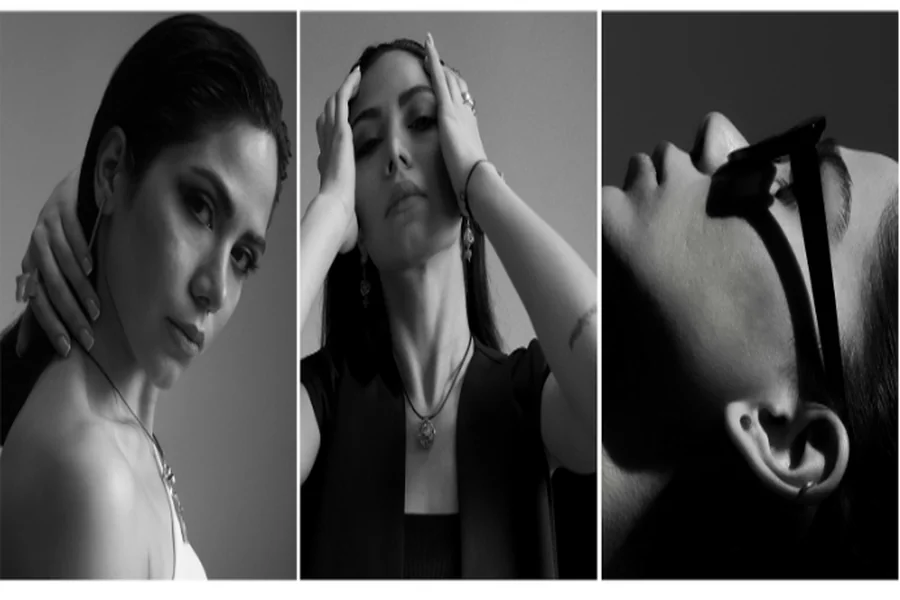
When you take color out, expressions speak louder. You start to notice the subtle things like a thoughtful glance, a soft smile, or that quiet intensity in someone’s eyes. It always makes a photo more powerful.
-
They highlight texture and detail better
Want to show off a linen dress, soft sweater, or the grain in wood furniture? Black and white brings those textures (such as skin, fur, dirt, metal, wood, etc.) front and center.
-
The black-and-white effect unifies different photos
Ever have a bunch of photos from different places, lighting, or even seasons? The black-and-white style can pull them all together. Then your feed will seem more professional and cohesive.
In addition, removing the color lets you focus on the key object. This is especially useful if:
- You’re trying to create a clean and minimalist vib
- You’re showing off clothes, especially basics and neutral pieces
- Your photos are taken in different lighting and you want them to match
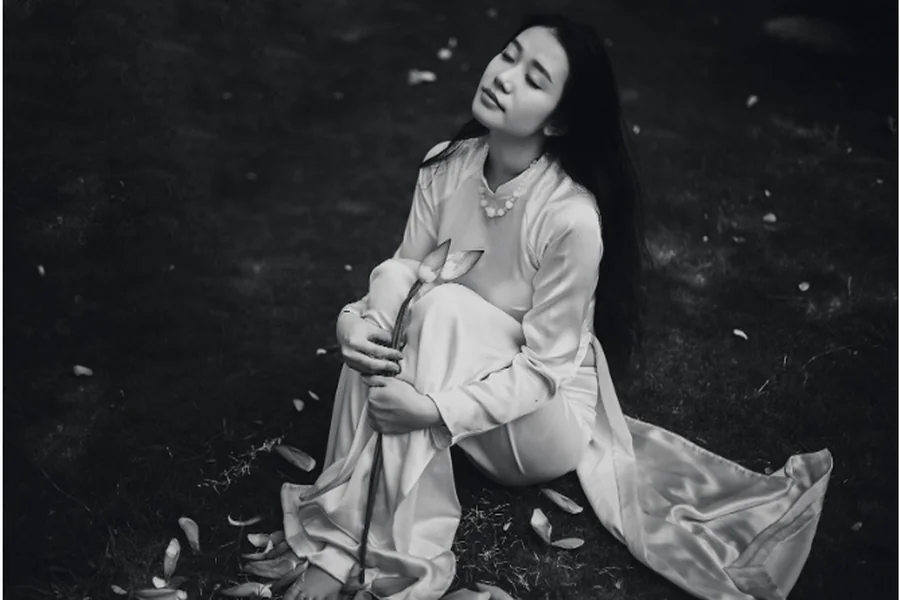
Tips to Make Stunning B&W Photos
Now that you know more about black-and-white photography, let’s find out what actually makes an amazing monochrome picture! Here are some useful tips for you to try:
- Good contrast between the blacks and the whites
There should be a strong difference between light and dark areas in your image. Contrast helps black-and-white pics pop and gives them more depth.
- A background that isn’t too busy or distracting
Too much going on in the background? It might pull attention away from your subject. Clean, simple backgrounds = stronger focus.
- A moment full of emotion, which is made more apparent when the color is gone
Black and white is perfect for raw, emotional moments. You can capture moments that feel honest—smiles, eye contact, quiet moments. Try taking pictures when someone’s lost in thought, laughing, or just being themselves. The lack of color puts all the focus on their expression.
When to Use It (and When It Works Best)
If you’re into slow fashion, minimalism, or capsule wardrobes, black and white is basically your best friend. It fits perfectly with that calm, thoughtful vibe. No loud colors to distract—just clean lines, beautiful textures, and thoughtful styling.
Plus, it makes your feed feel more like a collection rather than a bunch of random shots. Maybe one pic was taken in warm morning light, and another in a cool, shadowy corner. Turn them both black-and-white, and boom—they look like they were made for each other.
Wrapping Up
As you can see, it takes seconds to turn a regular picture into a stylish and eye-catching photo. Whether you’re showcasing an outfit, capturing a mood, or just cleaning up a cluttered background, going monochrome is a simple trick that works every time. So, put it into practice today and enjoy the results.