Save Instagram Story — Keep Favorite Stories Save

With more than 500 million people using Instagram Stories every single day, it’s a huge part of how we share our lifestyles. Have you ever come across a story you really wanted to keep?
This guide will walk you through how to save Instagram story content, covering everything from a simple story saver to better ways to save those significant memories.
Why Would You Need to Save an Instagram Story?
There are lots of good reasons to download Instagram story content. It could be a funny moment with friends, a beautiful travel scene, or even useful information you want to look at later. It can also be a story of your friend that makes you laugh, or a story of a person you like.
As you see, there are plenty of reasons, and there is no wonder — we always want to keep what’s important to us. Since stories vanish after 24 hours, saving them is the only way to hold onto those moments for good. Let’s see how to keep them safe.
Method 1: Using DF Viewer for Privacy
DF Viewer is a solid choice for saving stories privately. It works as an insta story saver in the background, letting you download other people’s content without them ever knowing. This is ideal when you want to grab a copy of a story but keep things discreet and protect your own privacy.
Using the DF Viewer is simple:
- Connect the Instagram account you want to view.
- Look through stories anonymously on your dashboard.
- Choose the specific story you want to keep.
- Download it right to your device to watch anytime.
This tool does more than just story saver. It lets you track who’s following or unfollowing an Instagram account, see who’s engaging, discover the types of posts and pages they like, and analyze post frequency and interactions in detail.
Method 2: Saving Your Own Story Before You Post
A really easy way to save your own content is by doing it right before it goes live. When you’re in the Instagram story editor, just tap the download button (the little downward arrow). This saves the photo or video directly to your phone. The only catch is that this method only works for your own creations or if you have access to your loved one’s account.
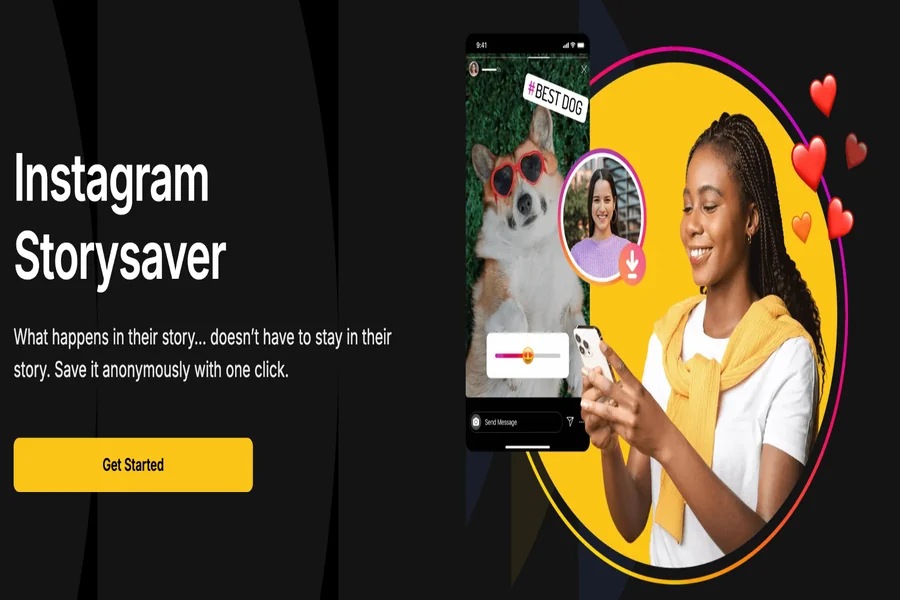
Method 3: Trying Out StorySaver
StorySaver is a saving tool that will allow even those who do not want to read more than a few instagram stories to save them easily and efficiently. Users are able to access videos and photos of a public profile without hitches by just entering the name of the profile. The tool is also simple and user friendly thus can be accessed by even the non tech savvy. You want to save memorable moments, get inspired by influencers, or get to know what your friends are up to, StorySaver will ensure a flawless experience. It guarantees that the content is stored in high quality on your device so that you can watch it anytime even when you are offline. Good to use in the personal or creative way.
While the interface may have ads and can feel a bit busy at times, it provides a straightforward way to access and save Instagram stories without needing to log in or navigate through complicated menus.
Method 4: Taking a Look at iGram
In the same vein, iGram is a website made for grabbing stories. You copy a link, and it gives you a download. But like a lot of free online services, its performance can be hit-or-miss. It doesn’t provide the secure, anonymous viewing that a proper story saver Instagram app does, making it a less reliable option.
Final Thoughts
Saving your own Instagram stories is simple through the app’s settings, but saving stories from other accounts is more challenging. Tools like StorySaver and iGram can help, but they have limitations. For a private, reliable, and full-featured way to save Instagram stories from any account, DF Viewer provides both convenience and security.