Icons8: The Platform That Finally Solved the Icon Chaos
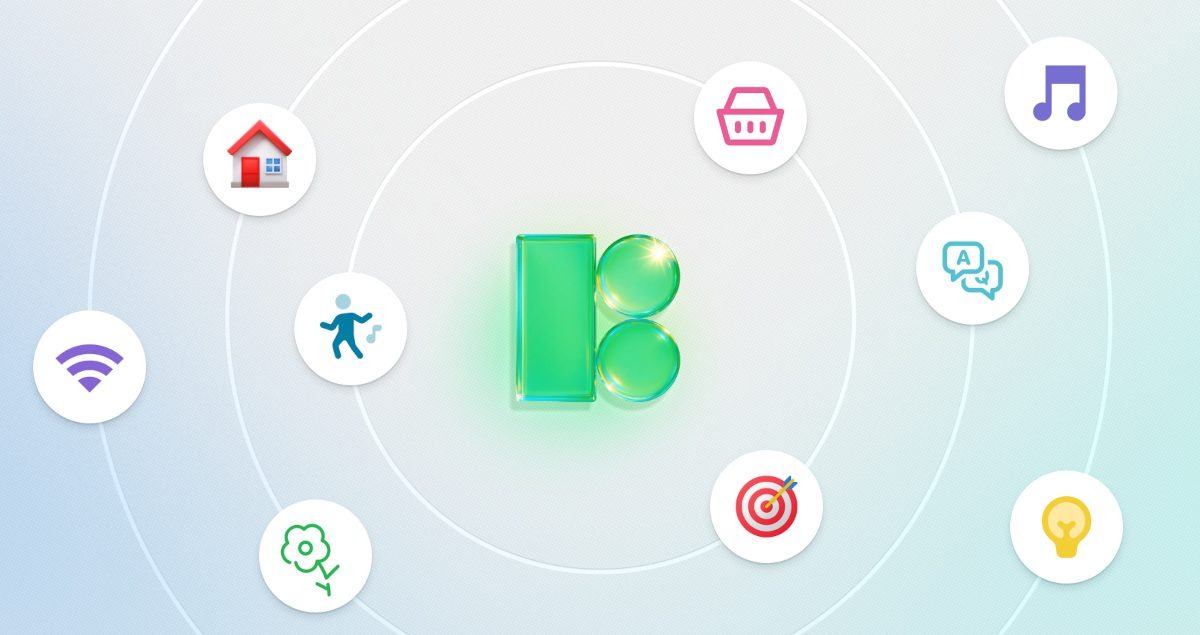
The Wild World of Icons
Let’s be honest—the icon world used to be a complete mess. Most libraries felt like a digital flea market where random sketches were uploaded with no real design system in mind. You’d pull together a navigation bar, only to realize your icons looked like they came from three different decades of the internet.
Instead of solving designers’ headaches, many marketplaces made them worse. A simple “mail” icon could look sleek in one set and cartoonish in another. Visual consistency? Practically nonexistent.
That’s where Icons8 stepped in, bringing order to the chaos by focusing on one thing every designer needs: coherence.
Design Systems That Actually Make Sense
Unlike platforms that accept anything, Icons8 invested in building over 45 complete visual languages. Each set follows strict design rules—matching stroke weights, balanced curves, and consistent metaphors.
For example, their iOS-style collection sticks to Apple’s design logic, so everything feels unified. No more navigation icons fighting for attention against action buttons. Instead, you get systematic families of icons that share the same DNA, ensuring your interface looks professional and reliable.
Export Options That Don’t Break Things
One of the biggest pains with traditional icon libraries? Exports that look fine in previews but fall apart in production. Icons8 fixed that too:
- Clean SVG code (no bloated markup)
- PNG exports with perfect transparency
- Vectors that survive print projects
- Icon fonts that don’t crash your tools
- Prebuilt interactive states like hover, pressed, and disabled
In short, assets are production-ready from the start—saving developers hours of cleanup.
Seamless Workflow Integration
Icons8 understands that designers don’t have time to juggle 20 tabs just to find one icon. Their plugins and integrations slot right into existing workflows:
- Figma plugin that works inside your design file
- Adobe integrations for Photoshop, Illustrator, and XD
- Desktop apps for Mac and Windows
- Google Workspace support, so you can drop icons directly into Docs or Slides for presentations
Building client decks and need something polished like free svg icons for your mockups? You can grab them directly without wasting time switching platforms.
Instead of pulling you out of your process, Icons8 meets you where you work.
Pricing That Respects Designers
Unlike platforms with sneaky limits and overpriced “credits,” Icons8 keeps pricing straightforward:
- Free tier (with attribution) for side projects or students
- Pro plans at reasonable monthly rates
- Team options that scale without punishing collaboration
It’s one of the few subscription models in the design industry that doesn’t feel exploitative.
Education and Professional Growth
Icons8 isn’t just a tool—it’s also a learning resource. Students and new designers can study how a true design system looks across thousands of coordinated elements. Instead of theory alone, they see practical execution at scale.
And since the free plan gives access to quality work, students aren’t forced to choose between design consistency and their budget.
Reliable Platform Performance
Designers don’t want flashy gimmicks—they want reliability. Icons8 delivers:
- Stable servers (no downtime when you’re on deadline)
- Cross-platform consistency (web, desktop, plugins all sync)
- Search that works (results actually match your query, not random keyword spam)
This means less time hunting, more time creating.
Smart AI Tools That Solve Real Problems
Icons8 uses AI where it actually makes sense:
- Background remover that preserves details
- Resolution upscaler for scaling assets
- AI-generated stock-style photos without licensing headaches
Instead of chasing buzzwords, Icons8 builds tools that save designers real time.
Continuous Improvement from Real Feedback
The platform doesn’t just sit still—it evolves based on actual usage data and designer feedback. When users search for missing icons, Icons8 fills those gaps. Regular interviews with creatives guide what gets developed next.
That’s why their library feels like it’s made for working designers, not just for design showcase pages.
Limitations Worth Noting
No tool is perfect, and Icons8 is no exception:
- Their illustration sets aren’t as strong as the icons
- The audio library is limited
- Heavy customization breaks the consistency advantage
Still, these are relatively small trade-offs compared to the time saved by using their icon systems.
Why It Actually Matters
Icons aren’t just visual decoration—they’re functional signposts that guide users. Consistent iconography reduces confusion, speeds up navigation, and makes digital products feel professional.
By focusing on consistency and usability, Icons8 improves user experience at a fundamental level. It’s not about being trendy—it’s about making design work smoothly.
Final Verdict
Icons8 doesn’t try to reinvent the wheel—it simply makes icons work the way they should have all along. If you value consistency, speed, and reliability, this platform is a game-changer.
- Best for: Teams and professionals who need scalable, consistent icon systems
- Good for: Students and freelancers who want polished results without high costs
- Not ideal for: Projects needing custom illustration libraries or extreme creative control
In the end, Icons8 delivers exactly what it promises: professional-grade icon families that save time and improve user experience. Sometimes the smartest innovation isn’t about creating something new—it’s about finally making something work right.
Read Also: